

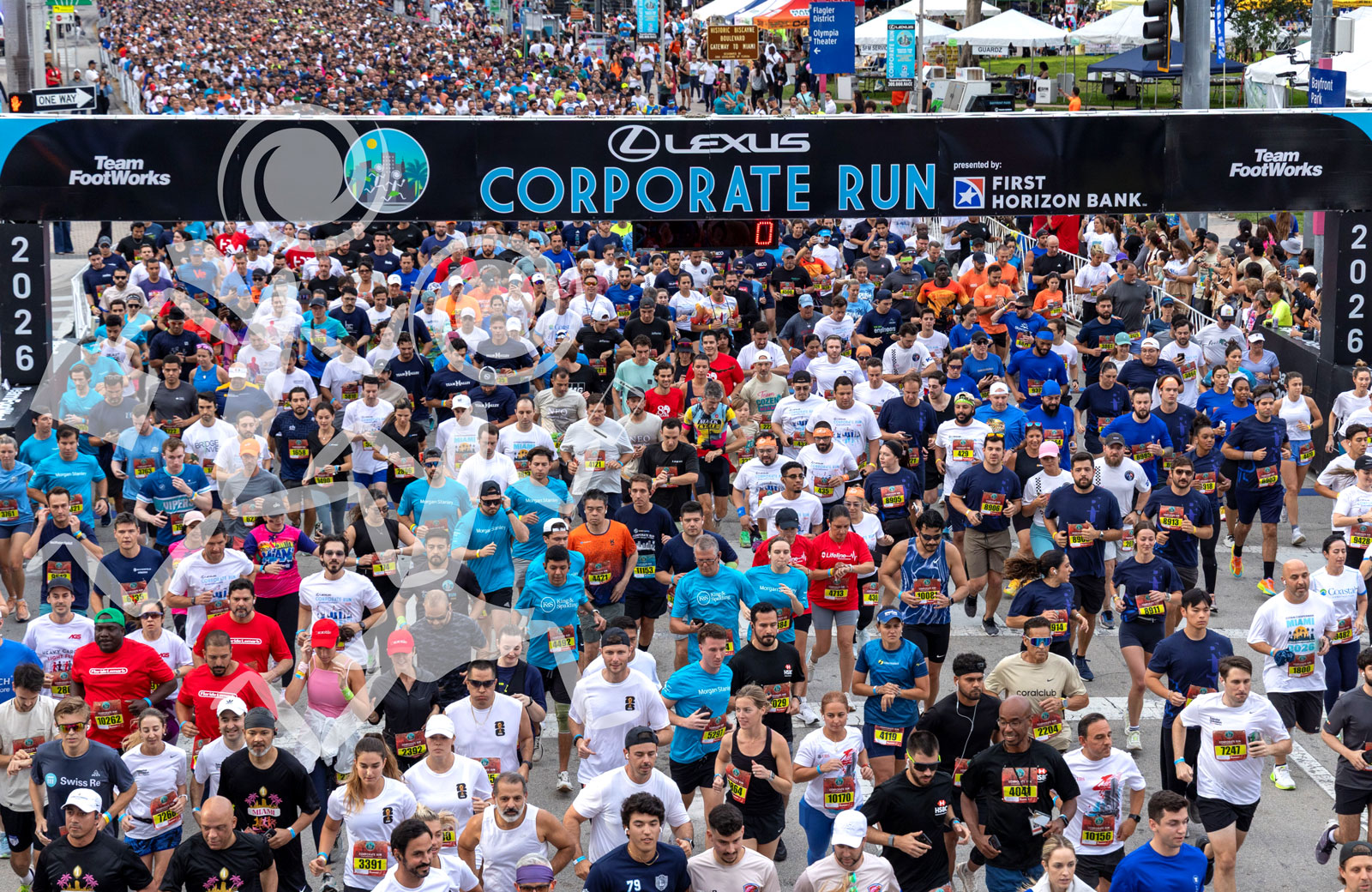

Corporate Run CEO Competition
CEOs receive a special green bib to compete in the CEO Competition. The green bib also allows CEOs to start at the front of the race with the seeded runners. CEO names, companies, and results will be featured in a dedicated section of the Results Book and on the Lexus Corporate Run website.
CEO Competition Eligibility
• The CEO Competition is open only to the CEO of the participating company.
• Other executives, senior-level employees, board members, or company representatives are not eligible to compete in the place of CEO.
• Only one CEO may be designated per company.
• The company must meet the minimum requirement of four eligible employees to participate.
• The CEO Competition is divided into male and female categories.
• Team Captains must designate their CEO through the Captain’s Dashboard by the registration deadline.
How to Assign Your CEO:
CEO Eligibility: TeamFootWorks reserves the right to verify CEO eligibility and remove any participant from the CEO Competition who does not meet eligibility requirements.
CEO Competition Eligibility
• The CEO Competition is open only to the CEO of the participating company.
• Other executives, senior-level employees, board members, or company representatives are not eligible to compete in the place of CEO.
• Only one CEO may be designated per company.
• The company must meet the minimum requirement of four eligible employees to participate.
• The CEO Competition is divided into male and female categories.
• Team Captains must designate their CEO through the Captain’s Dashboard by the registration deadline.
How to Assign Your CEO:
- Make sure your CEO has already registered under your team.
- Access the Captain’s Dashboard.
- Select the Team tab on the left
- Click the drop-down arrow next to your CEO’s name.
- Select Mark as CEO.
CEO Eligibility: TeamFootWorks reserves the right to verify CEO eligibility and remove any participant from the CEO Competition who does not meet eligibility requirements.